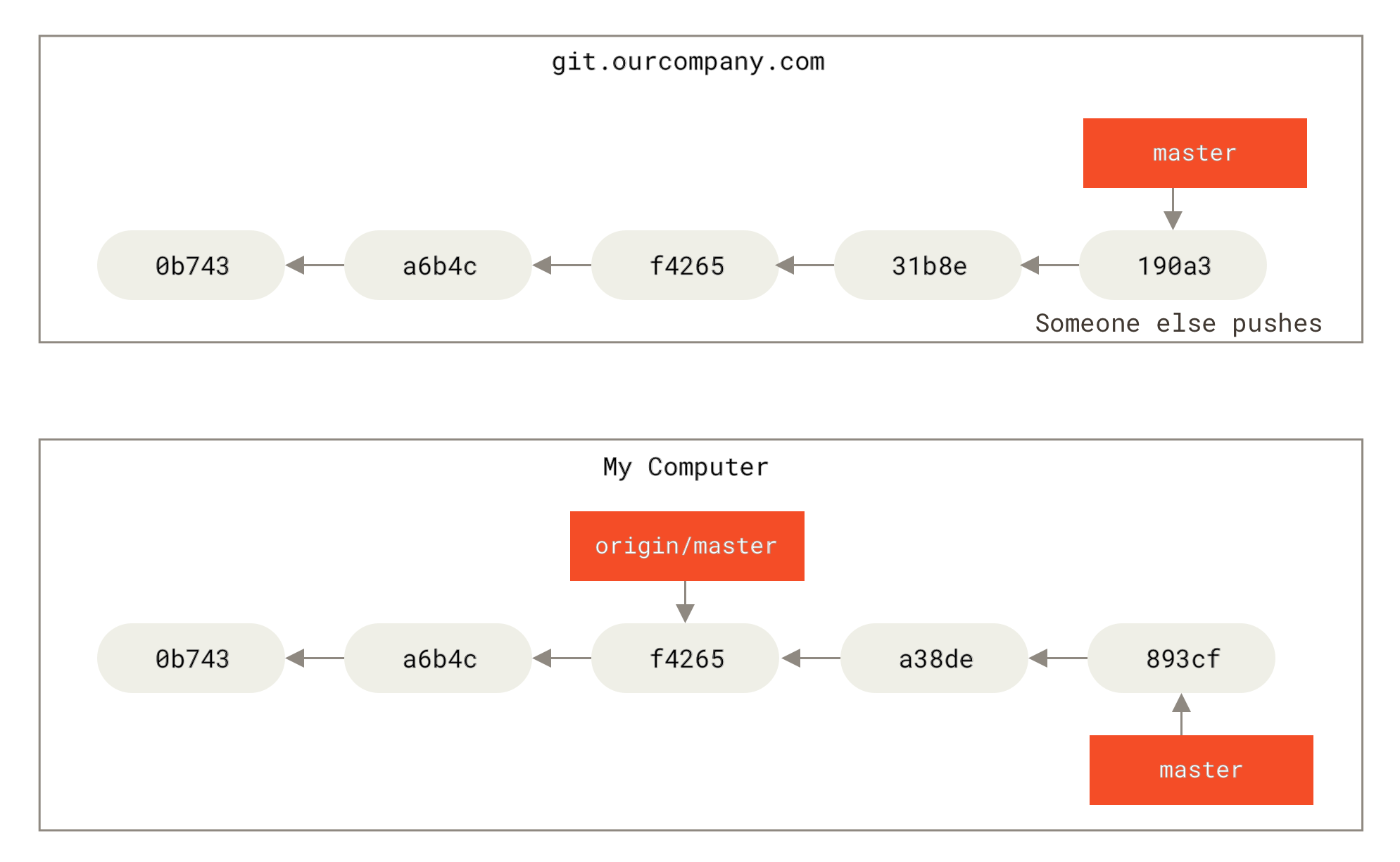
git fetch and git pull commands in GitBash<aside> 💡 "At the time you last communicated with this remote repository, here is where x (some branch) was pointing"
</aside>
<remote>/<branch>.<aside>
💡 Run git branch -r to view the remote branches our local repository knows about.
</aside>
/
<aside>
💡 Use git status to quickly check the difference of your local branch to the remote.
</aside>
<aside>
💡 Try git checkout origin/master to look back the first time cloned the repo.
</aside>
Once you've cloned a repository, we have all the data and Git history for the project at that moment in time. However, that does not mean it's all in my workspace!
<aside>
💡 Run git branch -r to view the remote branches our local repository knows about.
</aside>
By default, master branch is already tracking origin/master.
To create a new local branch from the remote branch of the same name, run this:
git switch <remote-branch-name>

# Example
git switch puppies
The new command git switch makes this super easy to do!
But, it used to be slightly more complicated using git checkout.